Hotanya Ragtah
Earlier this year I spent some time looking at Backdrop CMS, an open source CMS that started as a fork of Drupal 7. Its official Docker image has more than 8 million pulls on Docker Hub, so it gets used a fair bit. I found two ways to get JavaScript past the check Backdrop uses to block dangerous SVG uploads. Both lead to stored cross-site scripting (XSS).
I reported both to the Backdrop security team in April 2026. The fix shipped in October as part of BACKDROP-SA-CORE-2026-007, and the issue was given CVE-2026-111442 with a CVSS 4.0 score of 5.4.
If you run Backdrop, update to 1.35.2 or 1.34.6 (or later).
Some Background
SVG files are images, but they are also XML documents, and they can contain links, scripts and animations. If a site lets people upload SVGs and then serves them from its own domain, a malicious SVG can run JavaScript as if it were part of the site.
Backdrop already has some protection for this. Before it accepts an SVG, it runs the file through a function called file_validate_svg() in core/includes/file.inc. The function loads the SVG and runs a list of XPath queries over it. If any query finds something, the upload is rejected. The list looks for things like:
//svg:script
//svg:foreignobject
//svg:set
//@*[starts-with(name(), "on")]
//svg:a[starts-with(normalize-space(@href), "javascript:")]
So <script> tags are out, onload= style event handlers are out, and links that start with javascript: are out. That covers the obvious cases. Both of my findings are about the less obvious ones.
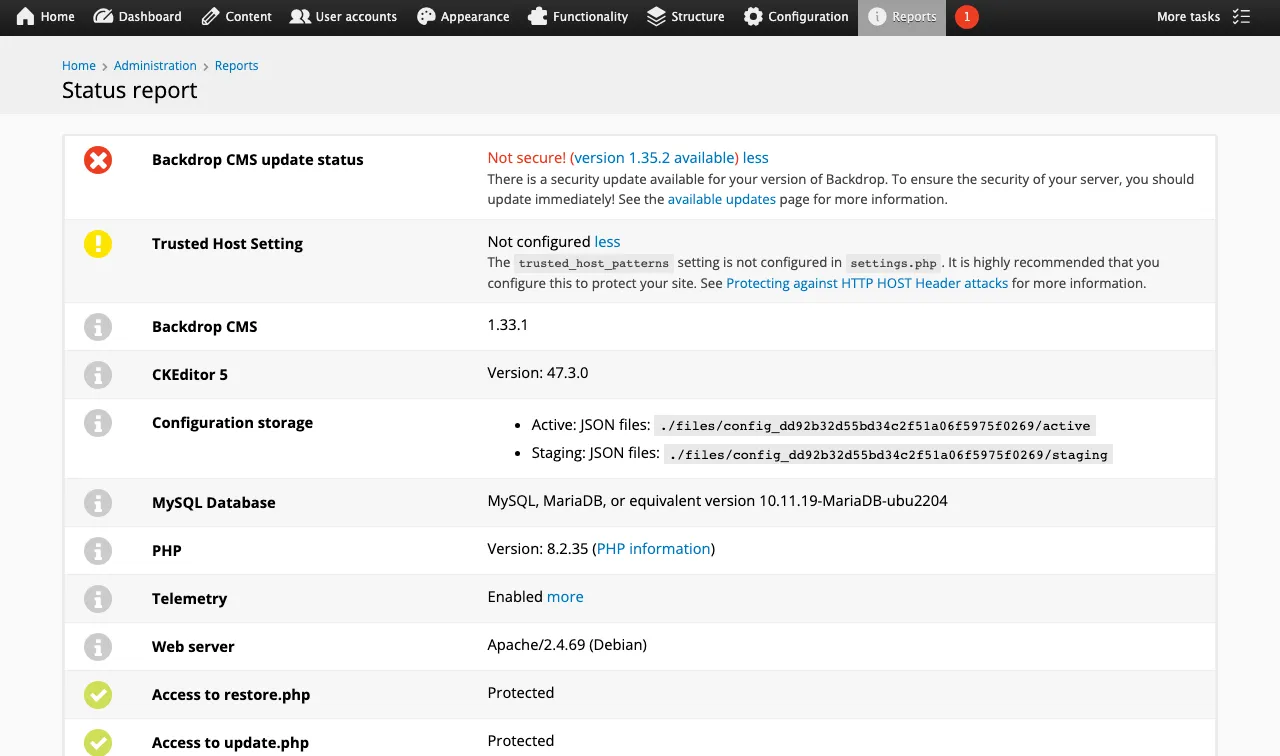
For testing, I ran Backdrop 1.33.1 in Docker on my laptop.
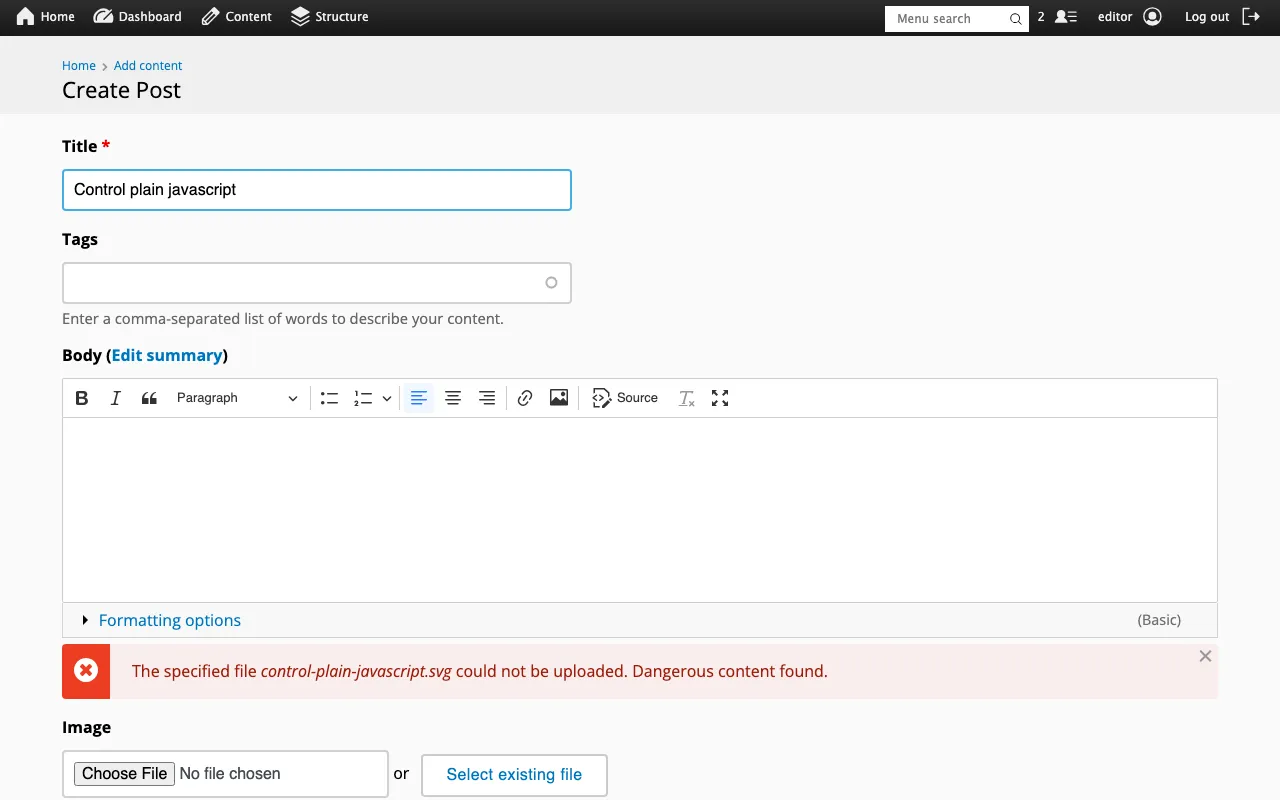
As a quick check, here is what happens when a user with the editor role uploads an SVG with a plain javascript: link. Backdrop catches it:
Finding 1: Hiding javascript: with a Tab Character
The Problem
Here is the check for javascript: links again:
//svg:a[starts-with(normalize-space(@href), "javascript:")]normalize-space() is an XPath 1.0 function that tidies up whitespace. It trims spaces from the start and end of a string, and it turns any run of whitespace in the middle (spaces, tabs, newlines) into a single space.
That second part is the problem. If you put a tab in the middle of the word javascript, like this:
jav	ascript:alert(1)Backdrop decodes 	 into a real tab before it checks the file, and by the time the XPath query runs, that tab has become a space. The string it checks is now:
jav ascript:alert(1)That does not start with javascript:, so the check passes and the file is accepted.
The browser reads the same link differently. The URL standard says tabs and newlines are removed from a URL before it is parsed, so the browser sees javascript:alert(1) and runs it when the link is clicked.
So the validator and the browser disagree about what the link says, and the attacker gets to use that gap.
Proof of Concept
- Log in as a user who can upload images. I used the file picker on the page edit screen.
- Upload this SVG:
<svg viewBox="0 0 100 100" xmlns="http://www.w3.org/2000/svg">
<a href="jav	ascript:console.log('XSS Triggered: ' + document.location)">
<text x="10" y="20">Click to Verify Security Patch</text>
</a>
</svg>- Open the uploaded file directly by its URL.
- Click the text.
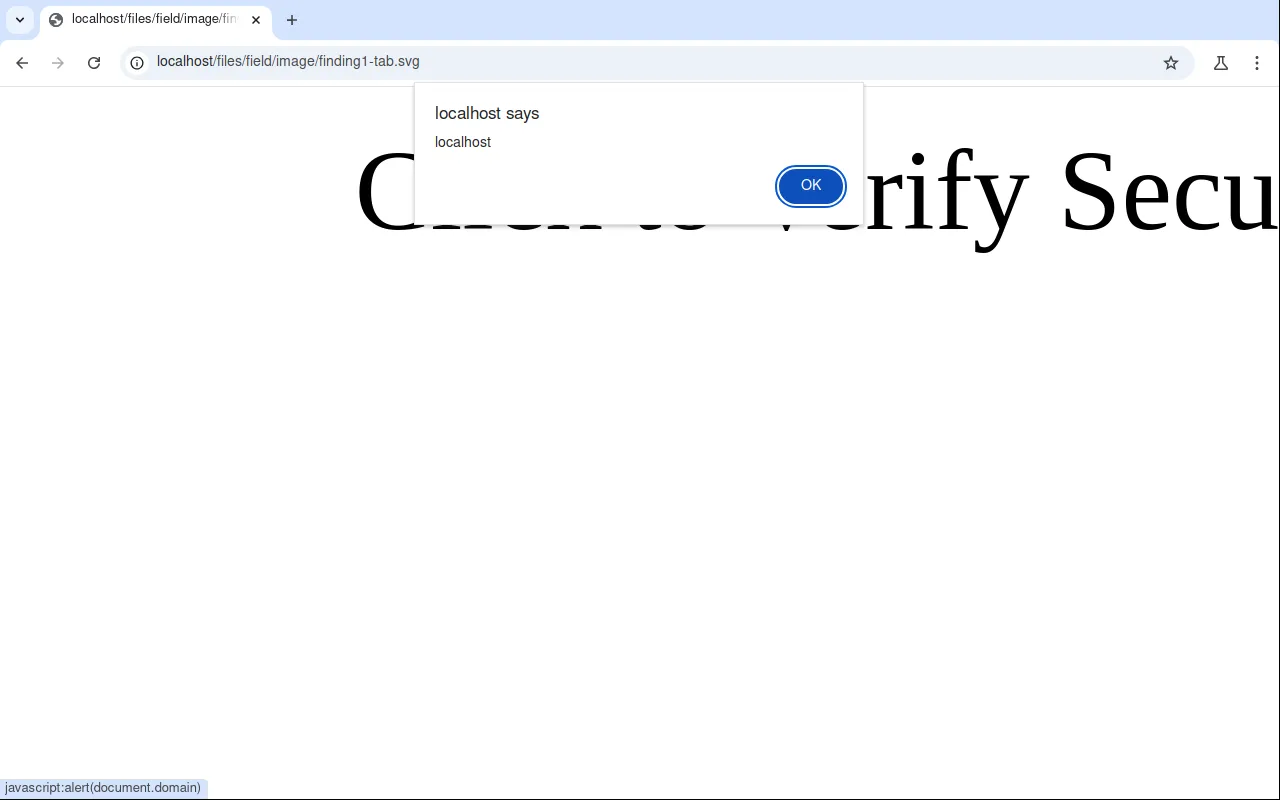
- The message shows up in the browser console, running on the site’s own domain.
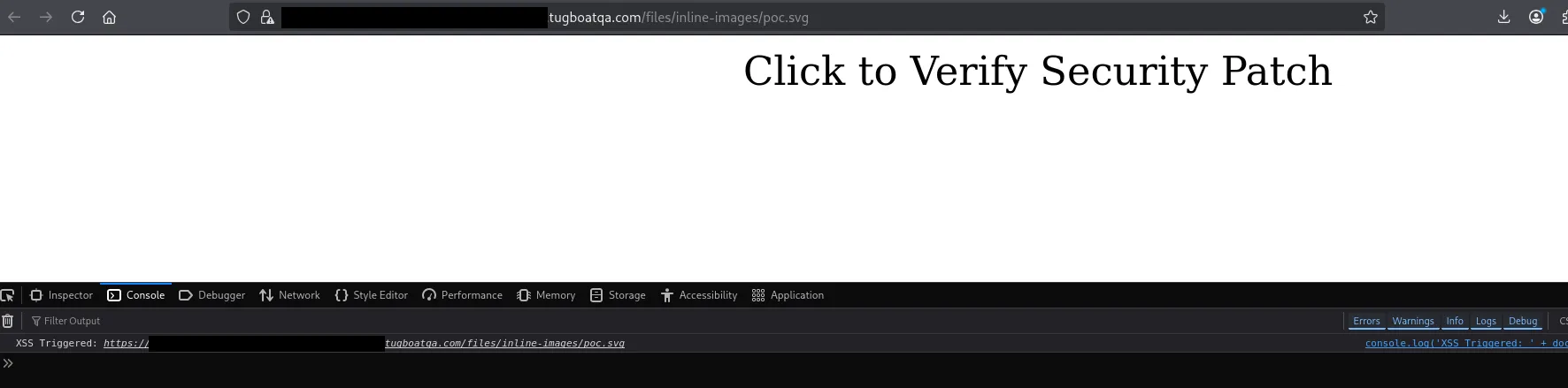
Swapping console.log for alert(document.domain) makes it easier to see. You can also see the browser’s status bar at the bottom showing where the link really goes: javascript:alert(document.domain), with the tab gone.
Finding 2: Changing the Link After the Check with <animate>
The Problem
SVG has a set of animation elements: <set>, <animate>, <animateTransform> and <animateMotion>. They can change an element’s attributes while the image is being shown. That includes the href on a link.
Backdrop already blocks <set> for this reason. But <animate> can do the same job, and it was not on the list.
That means you can upload a link with no href at all, or a harmless one, and let <animate> fill in a javascript: URL once the browser starts showing the image. The validator only ever sees the file as it was uploaded, so it never sees the bad link.
Proof of Concept
- Log in as a user who can upload images.
- Upload this SVG:
<svg xmlns="http://www.w3.org/2000/svg" xmlns:xlink="http://www.w3.org/1999/xlink">
  <a>
    <animate attributeName="href" values="javascript:alert(document.domain)" begin="0s"/>
    <text y="20">click me</text>
  </a>
</svg>
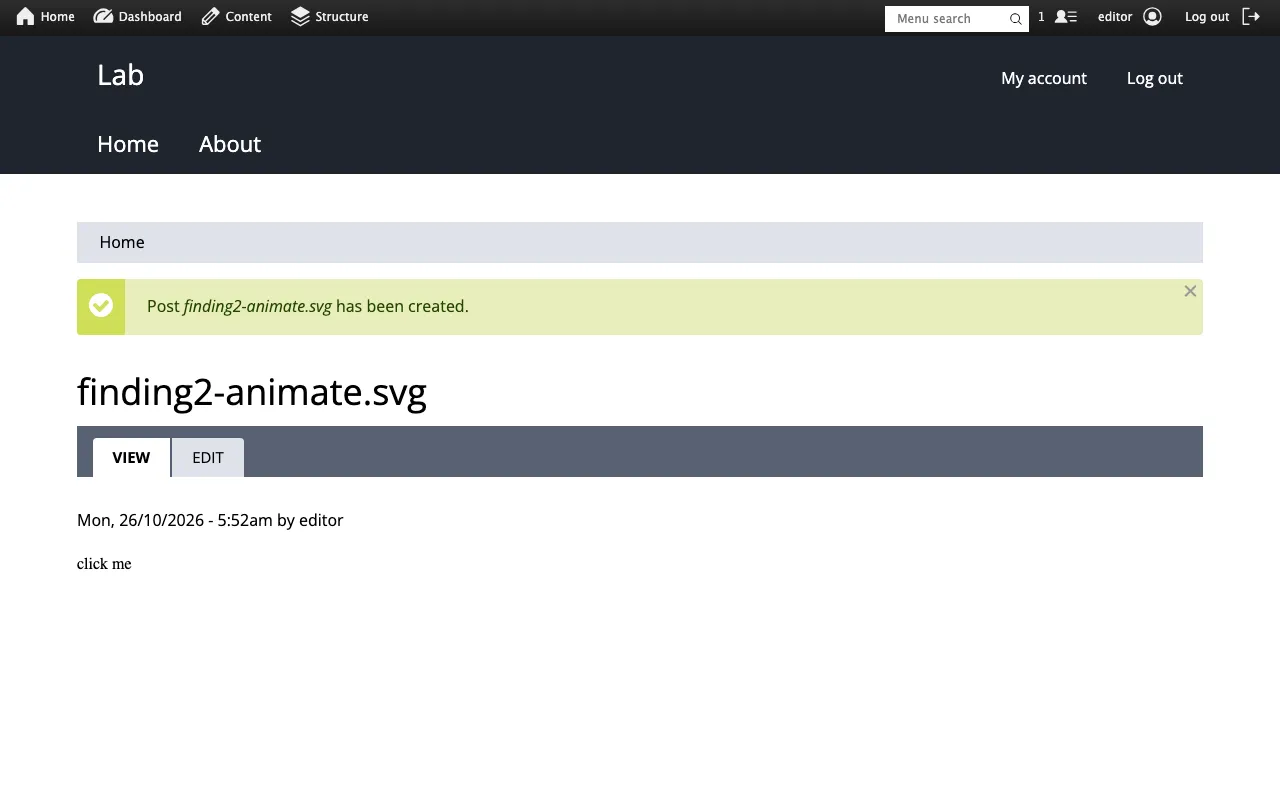
Backdrop accepts it without complaint:
- Open the uploaded file directly by its URL.
- Click the text.
- An alert box pops up showing the site’s domain.
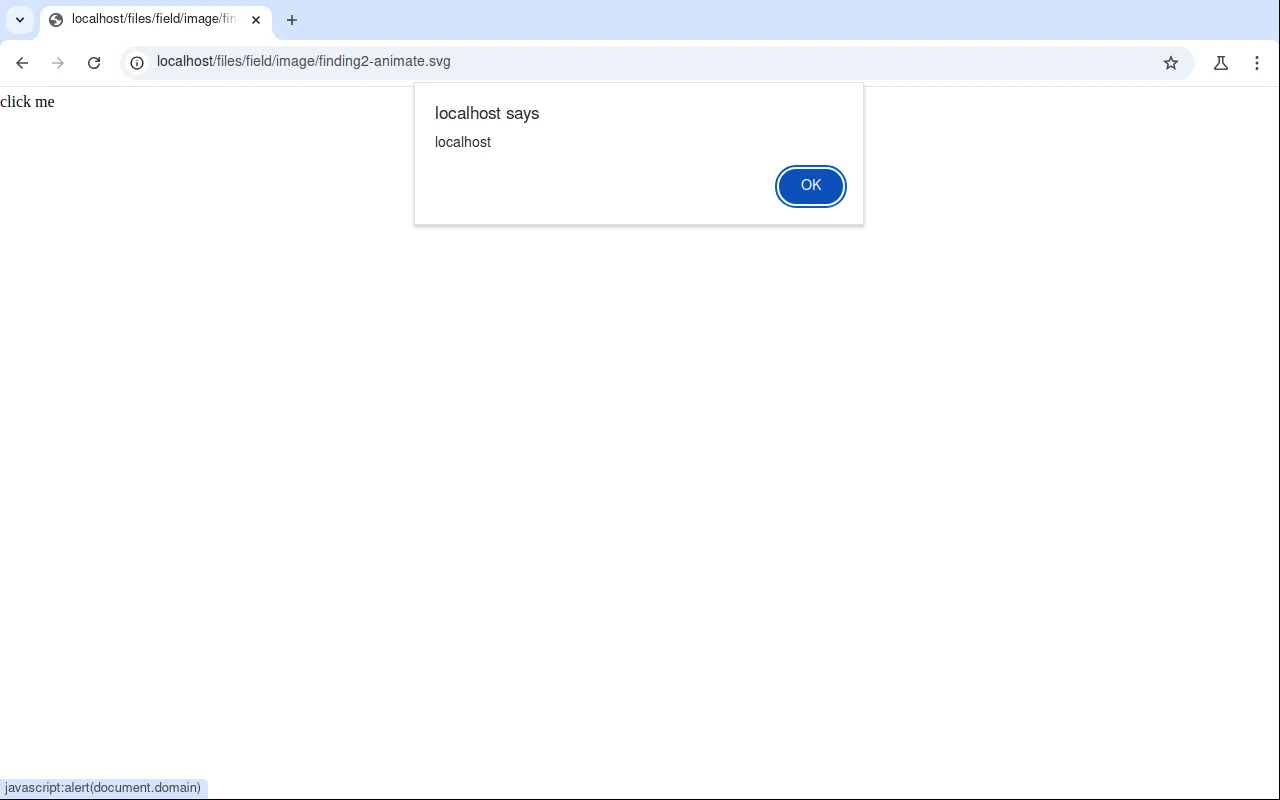
The same trick works with attributeName="xlink:href".
A note on credit: another researcher had reported this one to Backdrop a few days before I did, so I am credited as an additional reporter for it.
The Impact
Both findings give you stored XSS, but there are a few limits:
- The attacker needs an account that can upload SVGs. On a standard Backdrop install, the editor role can do this.
- The victim has to open the SVG file directly, for example by following a link to it. When Backdrop shows an uploaded SVG inside a page, it uses an
<img>tag, and browsers do not run scripts in images loaded that way. - The victim has to click the link inside the SVG. This is not a zero-click attack.
If those conditions are met, the attacker’s JavaScript runs on the site’s own domain. If the person who clicks is an administrator, the script can do anything that admin can do, such as creating a new admin account. The file stays on the site until someone deletes it, so it can catch more than one person.
Backdrop rated the advisory as Critical using its own risk calculator. The CVE has a CVSS 4.0 score of 5.4 (CVSS:4.0/AV:N/AC:L/AT:N/PR:L/UI:N/VC:N/VI:L/VA:N/SC:L/SI:L/SA:N). The two systems score things differently, so the numbers don’t line up.
Mitigation and Remediation
The real fix is to update Backdrop to 1.35.2 or 1.34.6 or later. If you are building your own SVG upload check, here is what I recommended to Backdrop:
-
Use an allowlist instead of a blocklist.
A blocklist has to guess every dangerous element and attribute, and these two findings show how easy it is to miss one. It is safer to list the SVG elements and attributes you allow and remove everything else.
-
Don’t check URLs with XPath string matching.
Pull the attribute value out in your own code, strip out control characters and whitespace, and then check it. For example in PHP:
$clean = preg_replace('/[\x00-\x20]+/', '', $value);Then compare it against a short list of schemes you allow, such as
http,httpsandmailto. Backdrop already has a helper for this,backdrop_strip_dangerous_protocols(). -
Block all of the animation elements, not just one.
If you block
<set>, you also need to block<animate>,<animateTransform>and<animateMotion>. Anything that can changehreforxlink:hrefwhile the image is showing should be treated as unsafe. -
Serve uploaded SVGs safely.
Sending uploaded files with
Content-Disposition: attachment,X-Content-Type-Options: nosniffand a strictContent-Security-Policy, or serving them from a separate domain, stops a bad file from running even if it gets past the upload check.
Thanks
Thanks to Jen Lampton and the Backdrop security team for a fast first reply, clear communication, and for crediting everyone who reported these issues.